
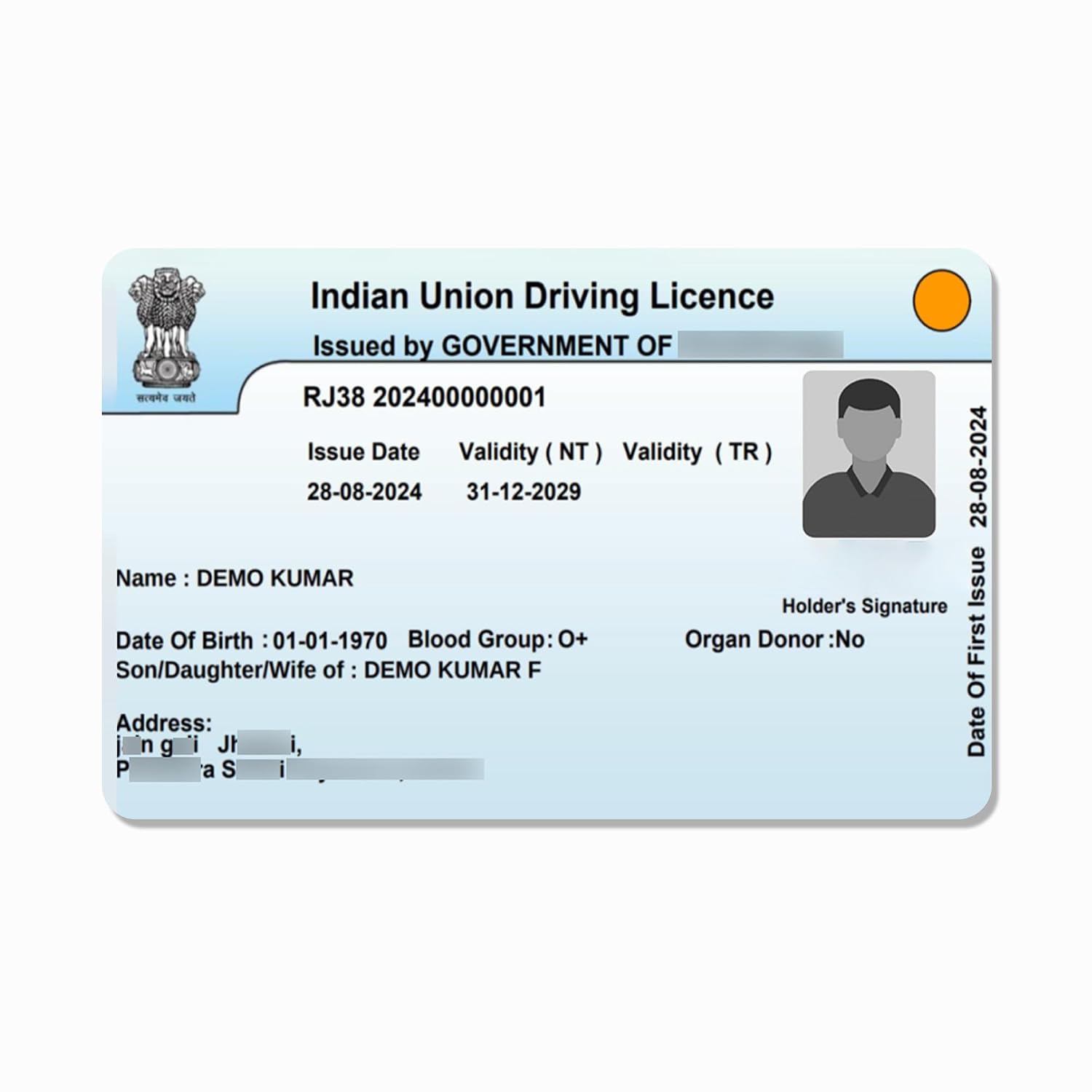
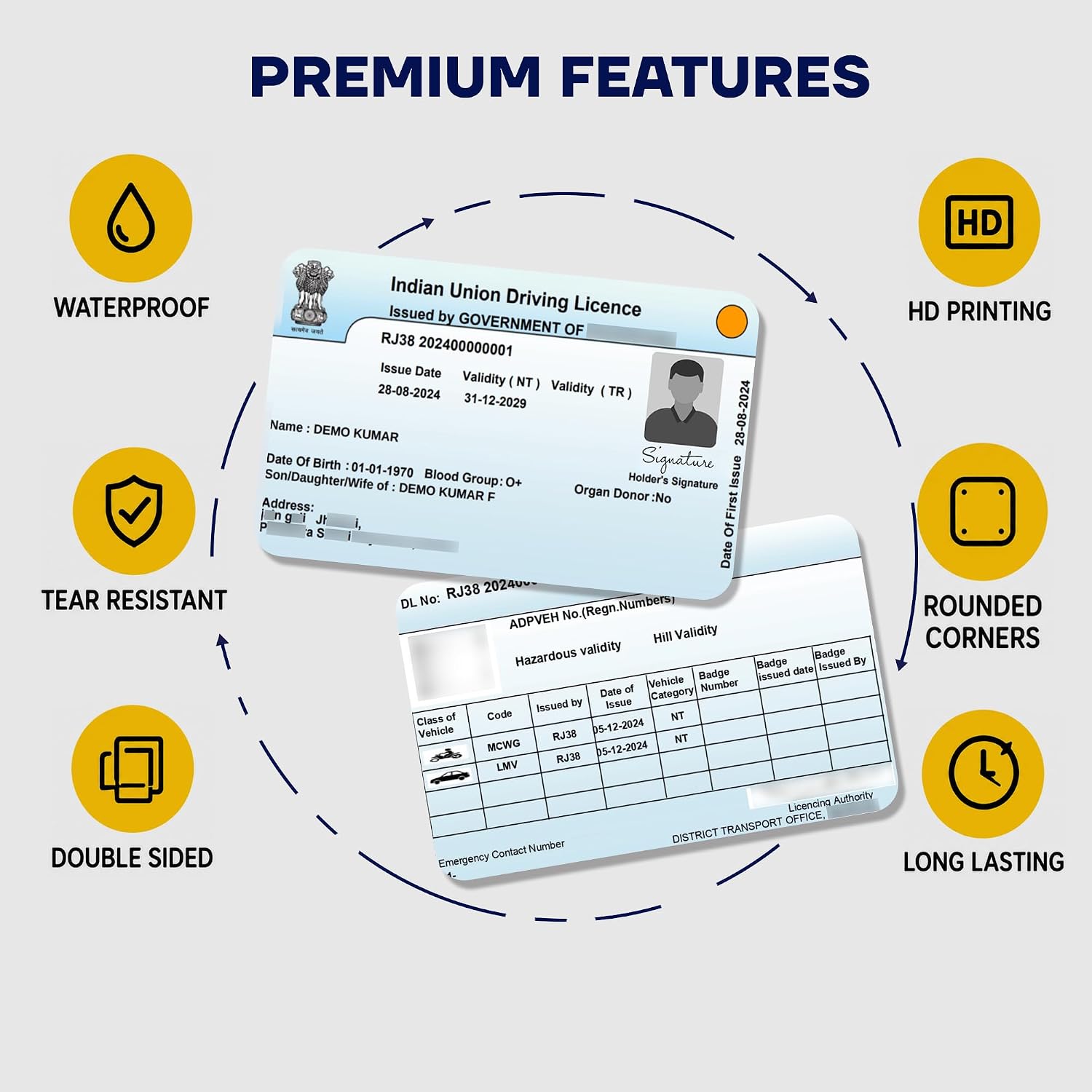
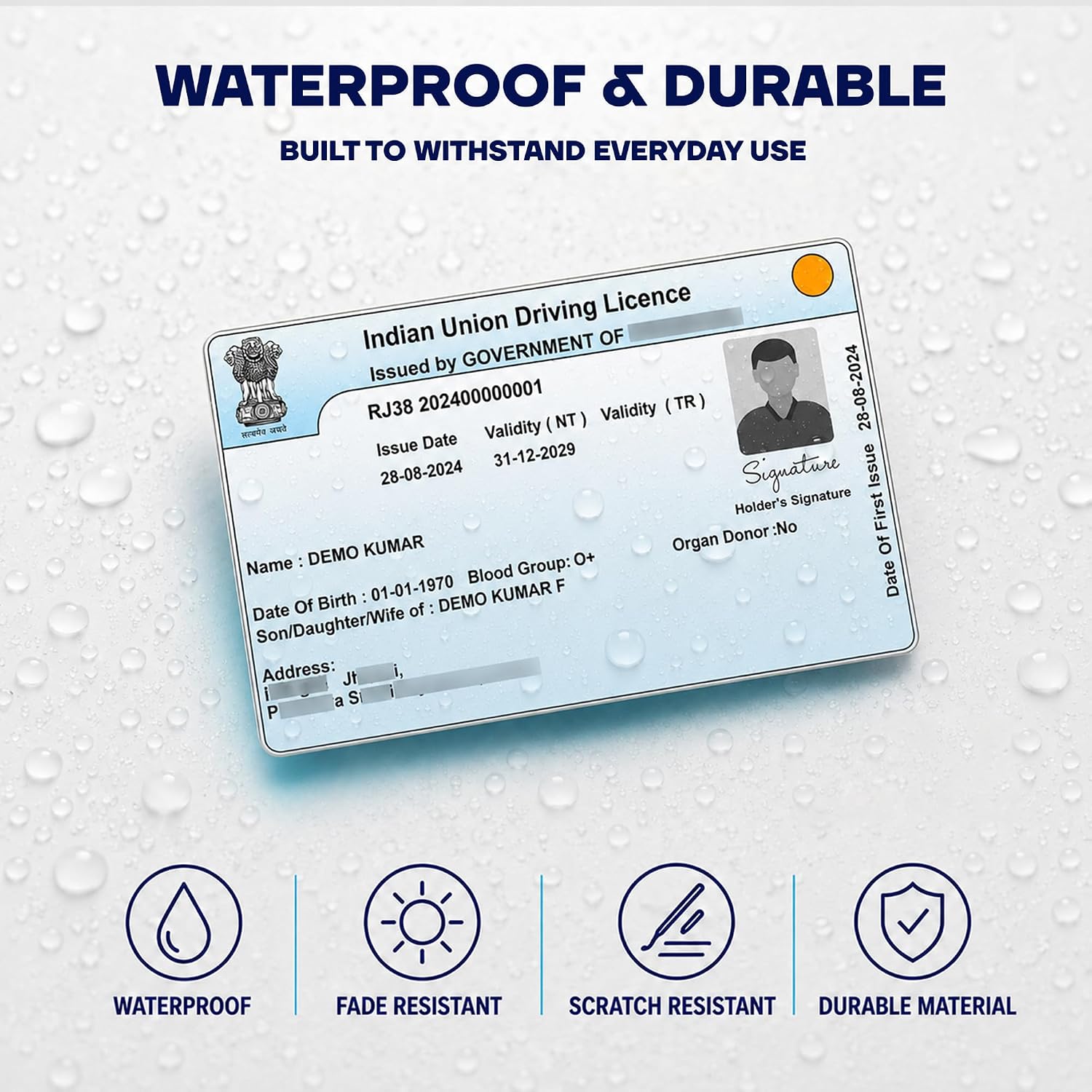
Driving License PVC Card Printing – Premium Quality, Double Sided, Waterproof & Durable
Original price was: ₹199.00.₹120.00Current price is: ₹120.00.
Order driving licence PVC card printing online
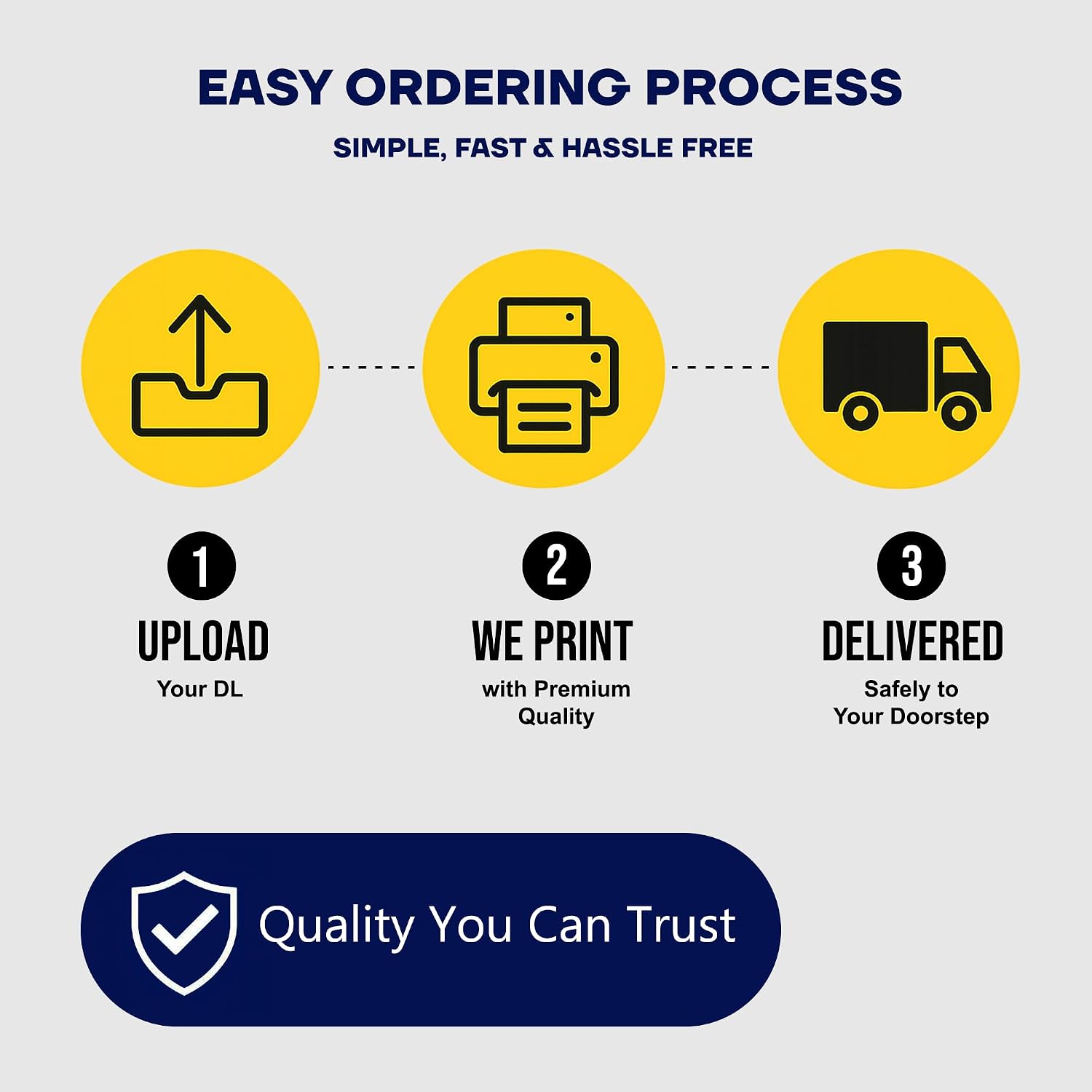
Upload your authorised DL PDF or clear front-and-back images.
Choose the quantity and review the complete checkout total before payment.
Product contents
- driving licence PVC card overview
- How to order online
- File and photo guide
- PVC printing quality
- Frequently asked questions
How to Order Driving Licence PVC Card Online
- Confirm that your source is a current driving licence file that you are authorised to print.
- Select the card quantity required for this order.
- Upload a clear front image and back image, or upload the complete authorised PDF.
- If the PDF is password protected, enter its password only in the dedicated product field.
- Review the holder details, front-and-back pairing, delivery address, price and shipping total.
- Complete checkout and keep the order information for support or tracking.
For the best result, submit the original file obtained from an authorised source instead of a repeatedly forwarded screenshot. Make sure the edges are complete and the text remains readable when enlarged. If you are ordering cards for different people, use clearly named files and match the selected quantity to the number of required prints.
File Guide for DL PVC Card
A high-resolution PDF normally preserves fine type and small elements better than a compressed phone screenshot. Clear uncropped photographs can also work. Place the card on a flat surface, use even light and hold the camera parallel to the document. Avoid flash glare, fingers, shadows, blur and background clutter. Include both sides when information appears on the reverse.
Before uploading, zoom in and confirm that the name, portrait, licence number, issue date, validity, vehicle class and address are readable. Do not edit official details in an image editor. Complete corrections, renewals and updates through the relevant government service first, then submit the corrected authorised source for printing.
Related products
-
PVC CARD
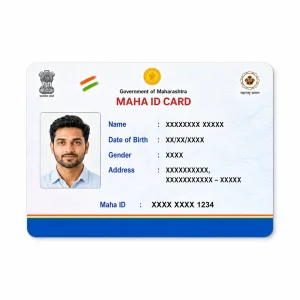
Maha ID PVC Card Print Online | HD Waterproof Quality
Original price was: ₹199.00.₹120.00Current price is: ₹120.00. Add to cart -
PVC CARD
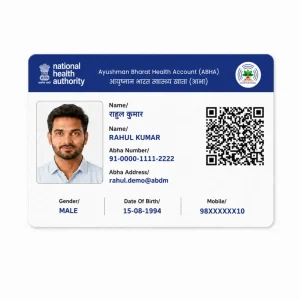
PVC ABHA Card Print Online | Ayushman Bharat Health ID
Original price was: ₹199.00.₹120.00Current price is: ₹120.00. Add to cart -
PVC CARD
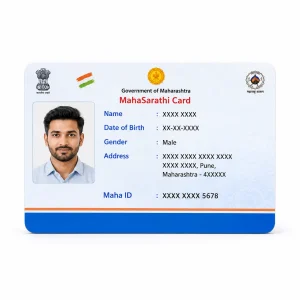
MahaSarathi Maha ID PVC Card Print Online
Original price was: ₹199.00.₹120.00Current price is: ₹120.00. Add to cart -
PVC CARD
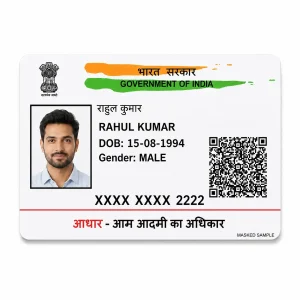
PVC Aadhar Card Print Online | Waterproof HD Quality
Original price was: ₹199.00.₹120.00Current price is: ₹120.00. Add to cart
Reviews
There are no reviews yet.