
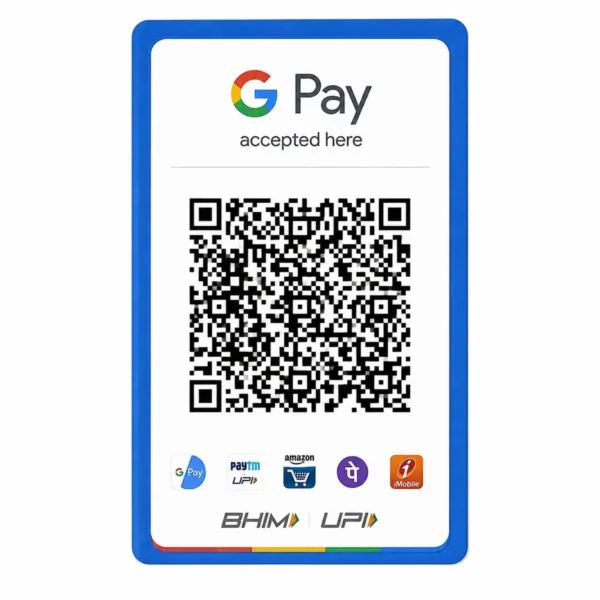
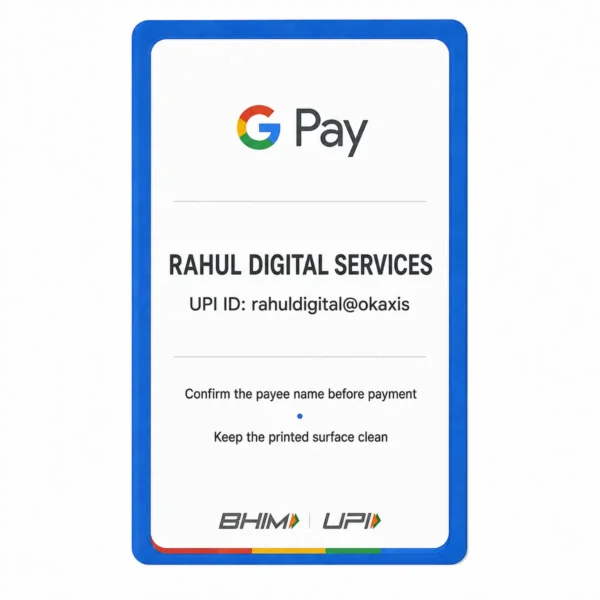
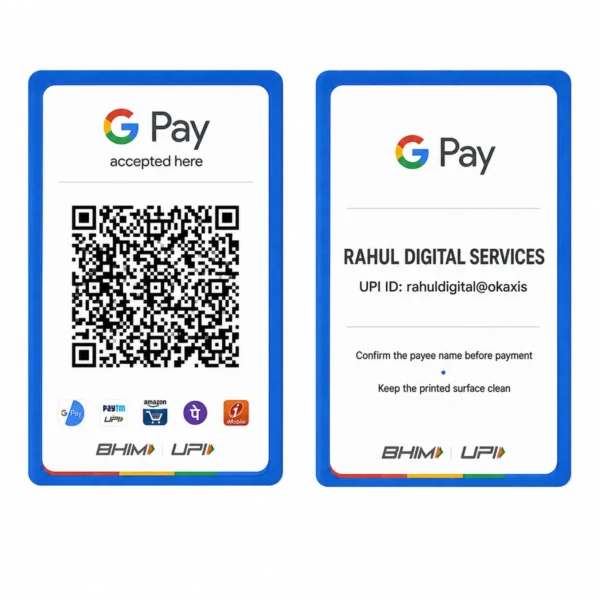
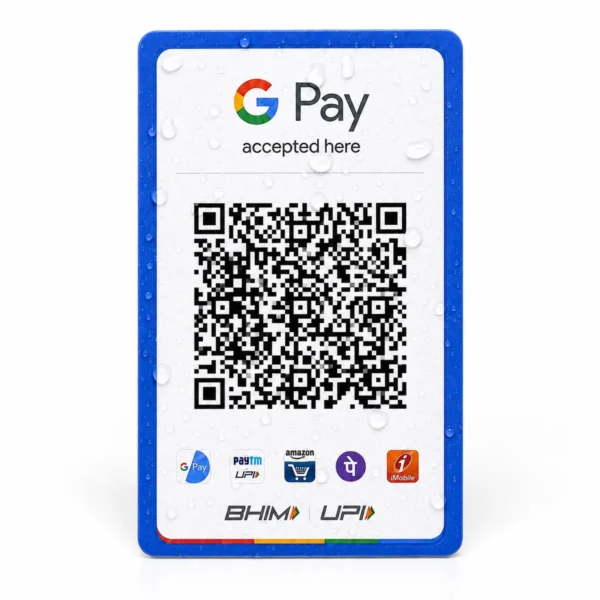
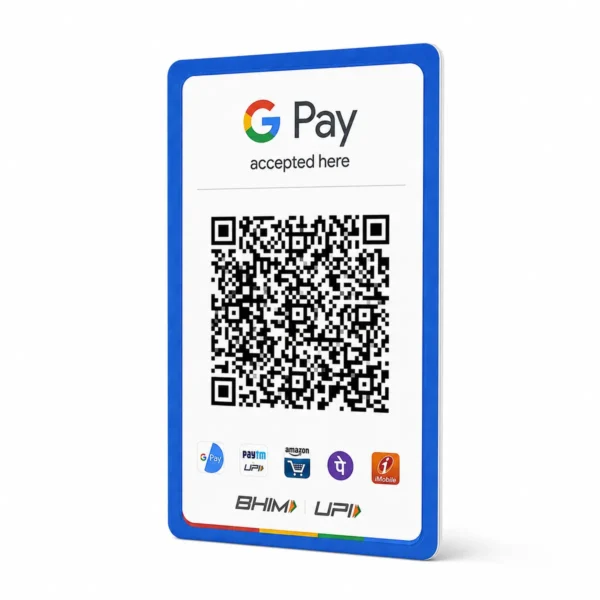
Google Pay QR PVC Card Print Online
Original price was: ₹199.00.₹120.00Current price is: ₹120.00.
Order Google Pay QR PVC card printing online
A durable wallet-size merchant QR card designed for clear everyday scanning.
For Google Pay QR PVC Card Print Online, upload a tested, high-resolution Google Pay merchant QR image; then select the quantity and review the checkout total.
Google Pay QR Code PVC Card – Order Guide
Google Pay QR Code PVC Card is available through this product page for customers who already have an authorised source file or approved artwork. A durable wallet-size merchant QR card designed for clear everyday scanning. The product starts or the current variation price shown above, and the exact quantity, delivery charge and checkout total remain visible before payment.
Use this page specifically for google pay qr code pvc card rather than a generic upload form. A focused product page keeps the file instructions, keyword intent and order details connected to the correct card. The printer reproduces the visible information in the supplied source; it does not invent missing text, alter official data or guarantee acceptance where an organisation requires an original or live digital record.
What this PVC card order includes
- A durable wallet-size merchant QR card designed for clear everyday scanning.
- Wallet-size PVC printing prepared from the source file or artwork you submit.
- Front-and-back handling when both sides are required by the selected product.
- Online file upload, quantity selection and an order summary before checkout.
- A print-quality review based on the clarity and completeness of the supplied file.
Prepare the file for google pay qr code pvc card
A tested, high-resolution Google Pay merchant QR image. An original PDF or print-ready design normally preserves small details better than a screenshot. Keep the file straight, complete and free from glare. Do not crop off a photograph, number, QR code, barcode, logo or reverse-side information that must appear on the finished card.
A payment QR must remain square, complete and surrounded by clear space. Test the original QR on another phone before upload. A blurred screenshot, decorative filter or cropped edge can reduce scan reliability, and printing cannot restore data missing from the source image.
How to order google pay qr code pvc card
- Confirm that this product matches the document or artwork you want printed.
- Select one card or the available pack and variation required for the order.
- Upload the clearest authorised PDF, complete images or approved design.
- Check names, numbers, photographs, front-and-back pairing and quantity.
- Enter the delivery address and review the product price, shipping and final total.
- Complete checkout and keep the order details for support or tracking.
Print-quality checklist
The final google pay qr code pvc card can only be as clear as its source. Use high-resolution files, avoid repeated chat compression and zoom in before upload to confirm that small text is readable. When several files are supplied, label them clearly. Print colours can look slightly different from a phone or monitor because screens emit light while physical cards reflect it.
Do not send unnecessary personal documents. Upload only the pages or sides requested by the product form, use the store through a private device and review the privacy policy before submitting sensitive information. Contact support before ordering if the available file is incomplete or the required quantity is unclear.
Independent printing and authorised use
This product prints a QR image supplied by the merchant. It does not create or activate a payment account, change the receiving UPI ID, verify ownership or guarantee that a third-party payment application will accept an untested code.
Related products
-
PVC CARD
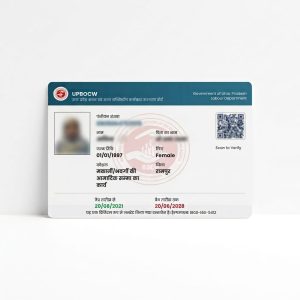
Uttar Pradesh Labour Card PVC Print
Original price was: ₹199.00.₹120.00Current price is: ₹120.00. Add to cart -
PVC CARD
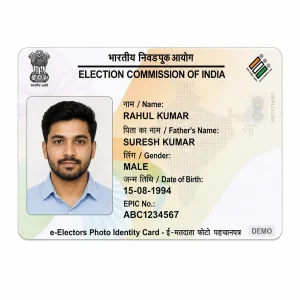
PVC Voter ID Card Print Online | EPIC Smart Card
Original price was: ₹199.00.₹120.00Current price is: ₹120.00. Add to cart -
PVC CARD
PVC Aadhar Card Print Online | Waterproof HD Quality
Original price was: ₹199.00.₹120.00Current price is: ₹120.00. Add to cart
Reviews
There are no reviews yet.